
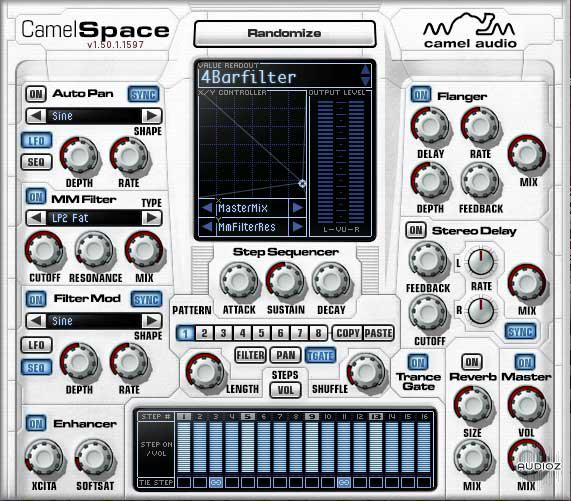
Installation:
Make sure your DAW is closed.
Navigate to:
Library/Application Support/Camel Audio/CamelSpaceData/Skins/default
Backup the original "Background.png" file.
Delete the original "Background.png" file and replace it with the color skin of your choice.
Rename the new color skin file to "Background.png"
Enjoy!